

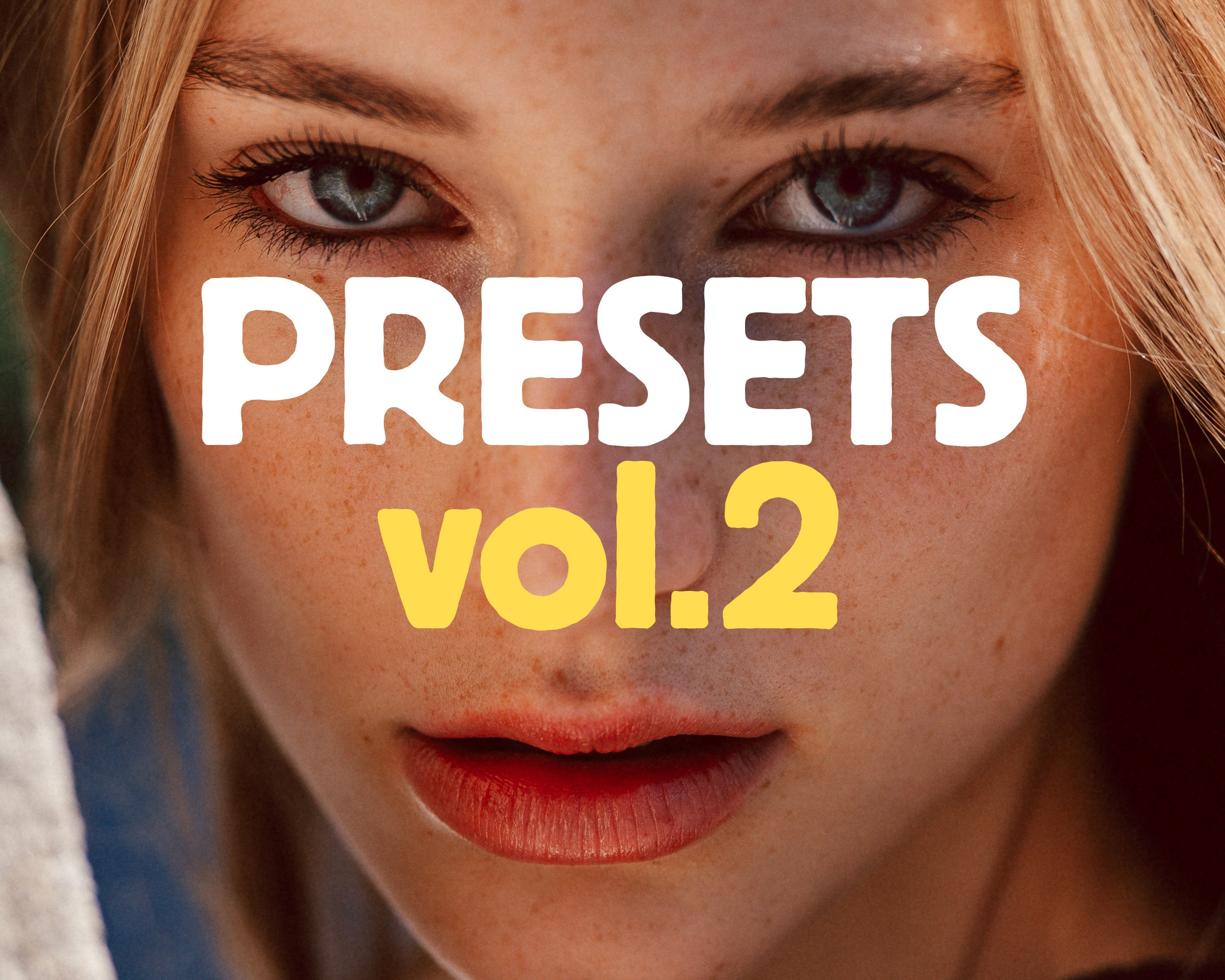


about the presets
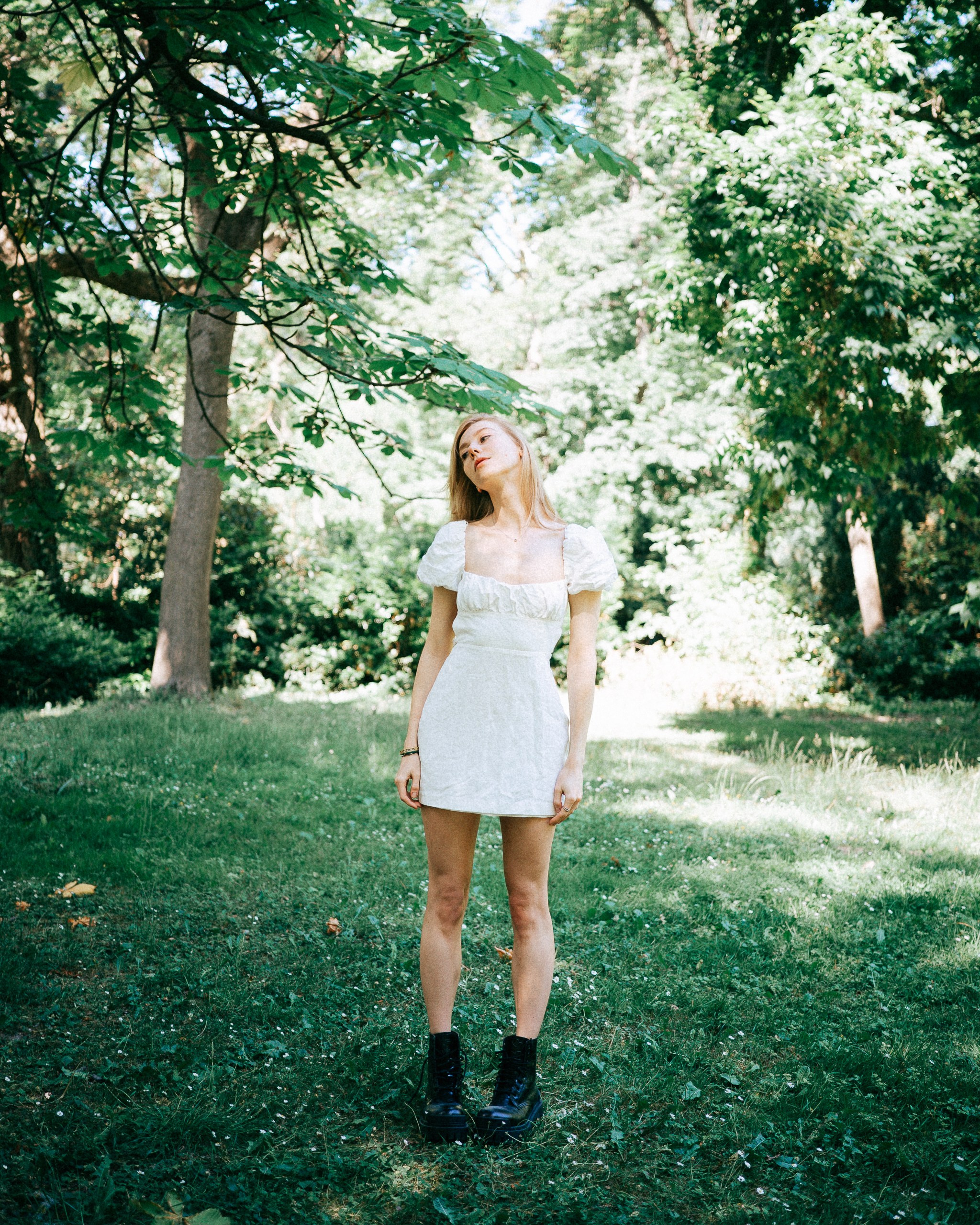
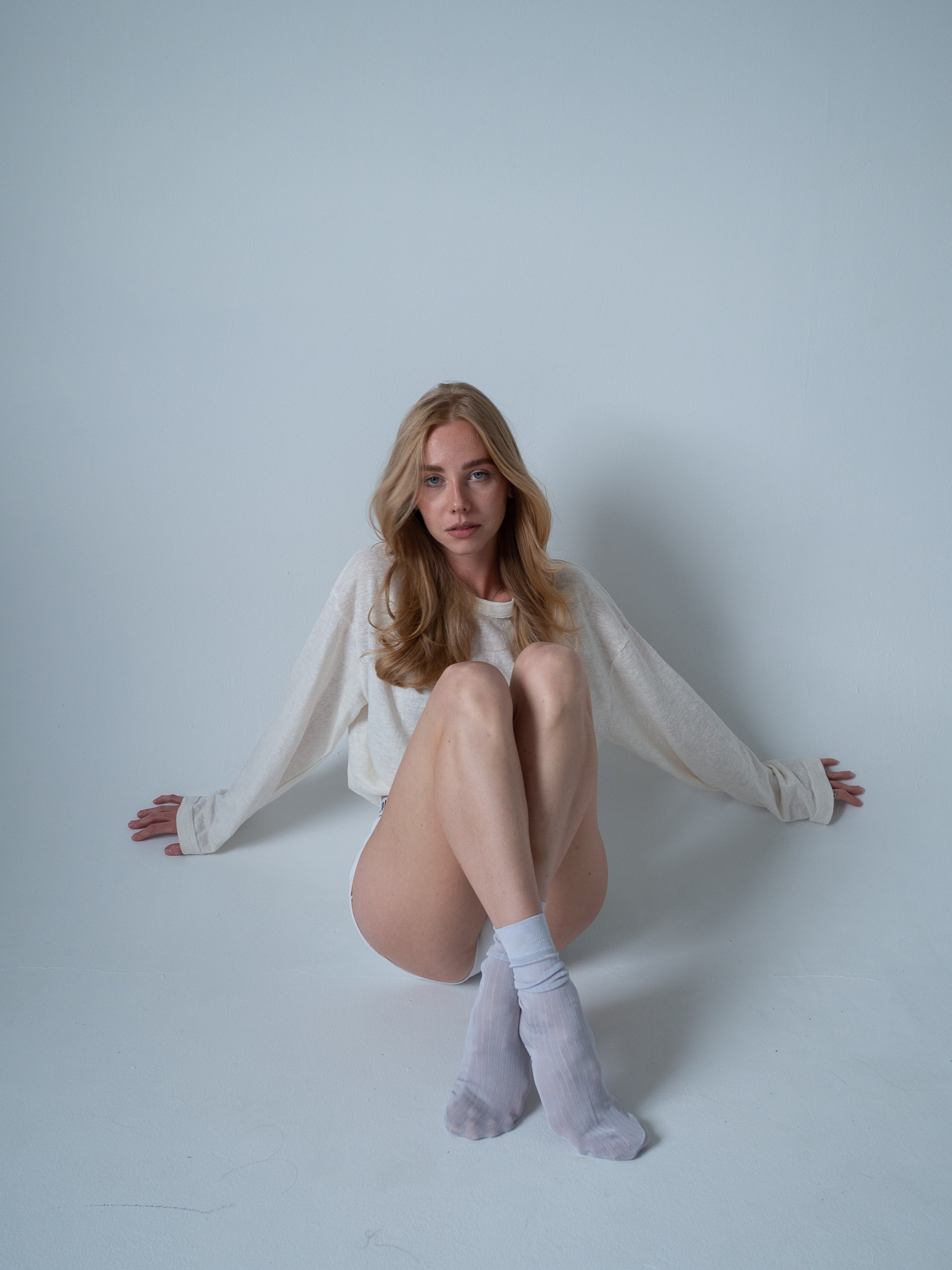
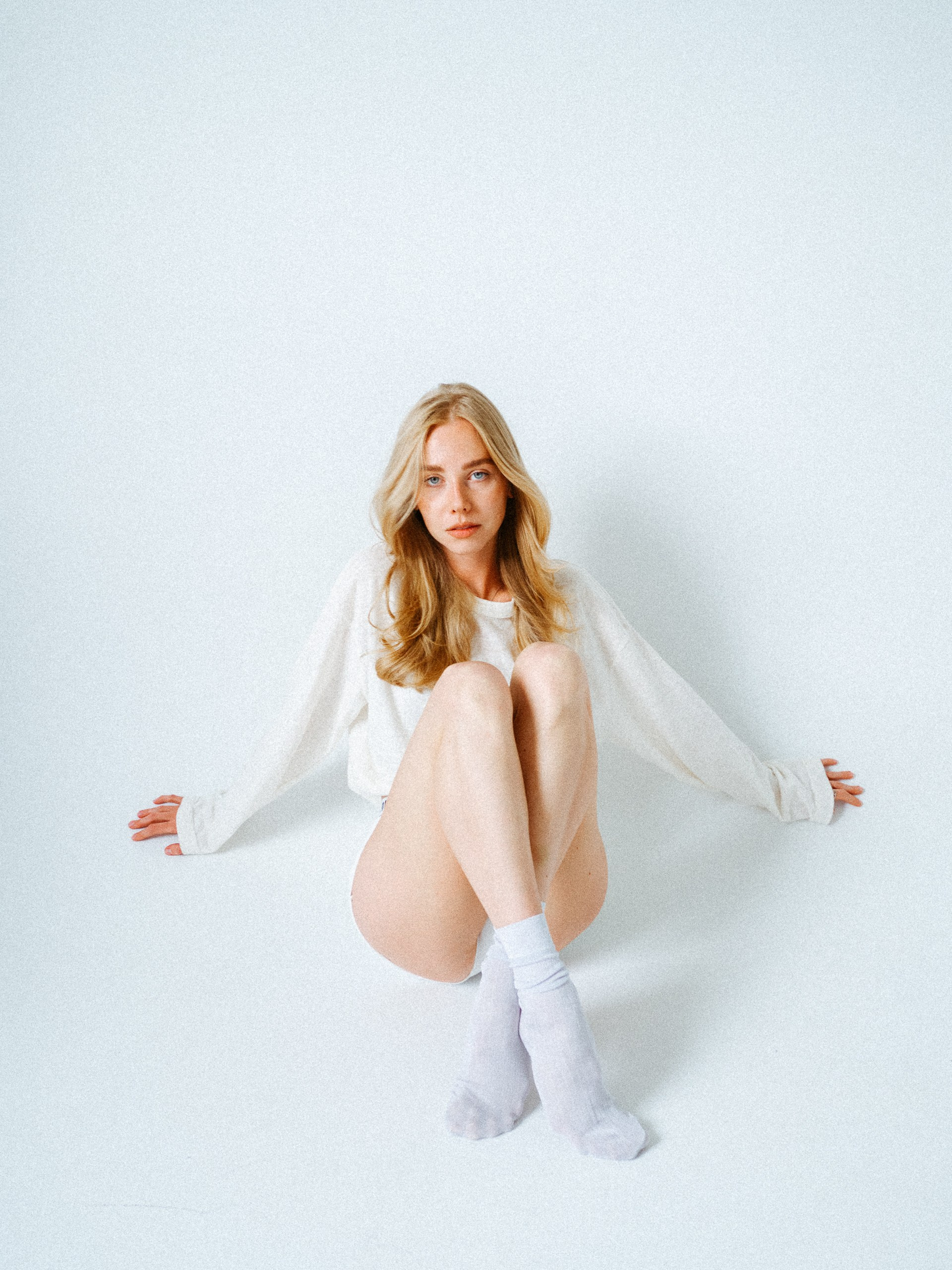
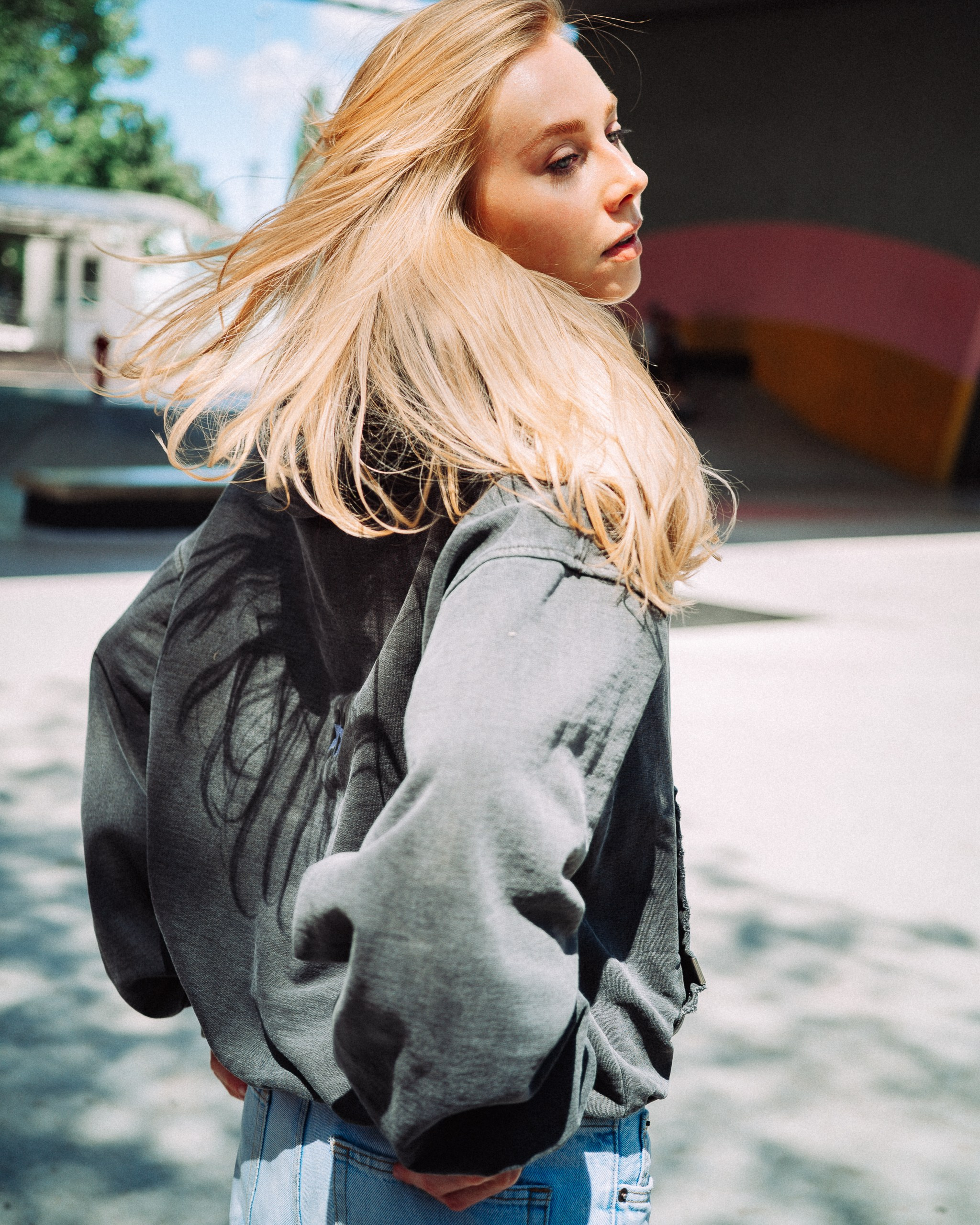
This collection includes 5 presets inspired by vintage magazine aesthetics of the 90s, natural light, and cinematic color tones.I designed them to work beautifully in a variety of conditions — from bright sunny days and cloudy weather to soft studio light. The presets are versatile enough for both portraits and travel photography, helping you achieve a cohesive and timeless look with just a few clicks. You can easily fine-tune the preset to your liking by adjusting the Temp, Tint, and Exposure sliders.These are the exact presets I’ve been using to edit all of my recent photoshoots.
90's magazine
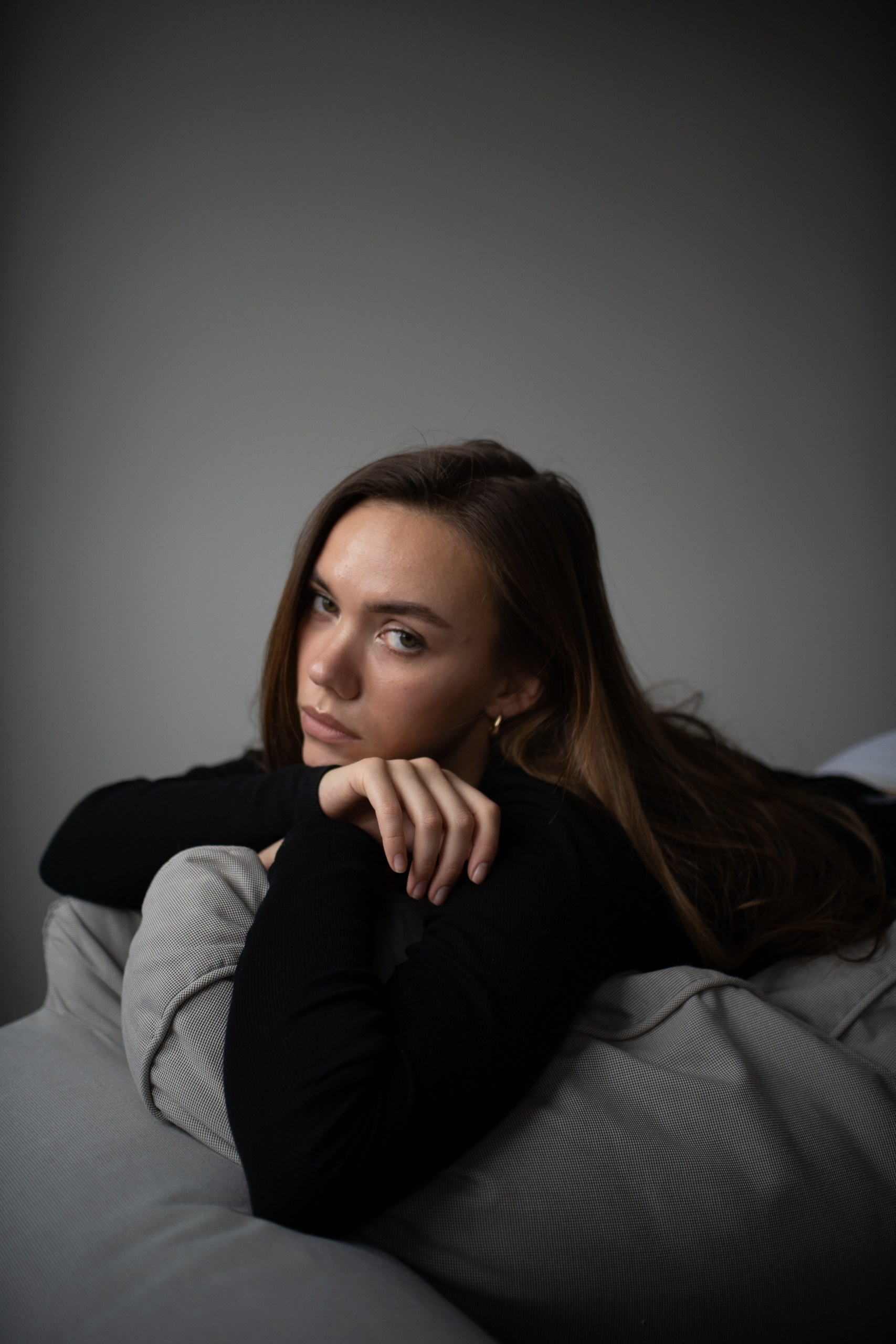
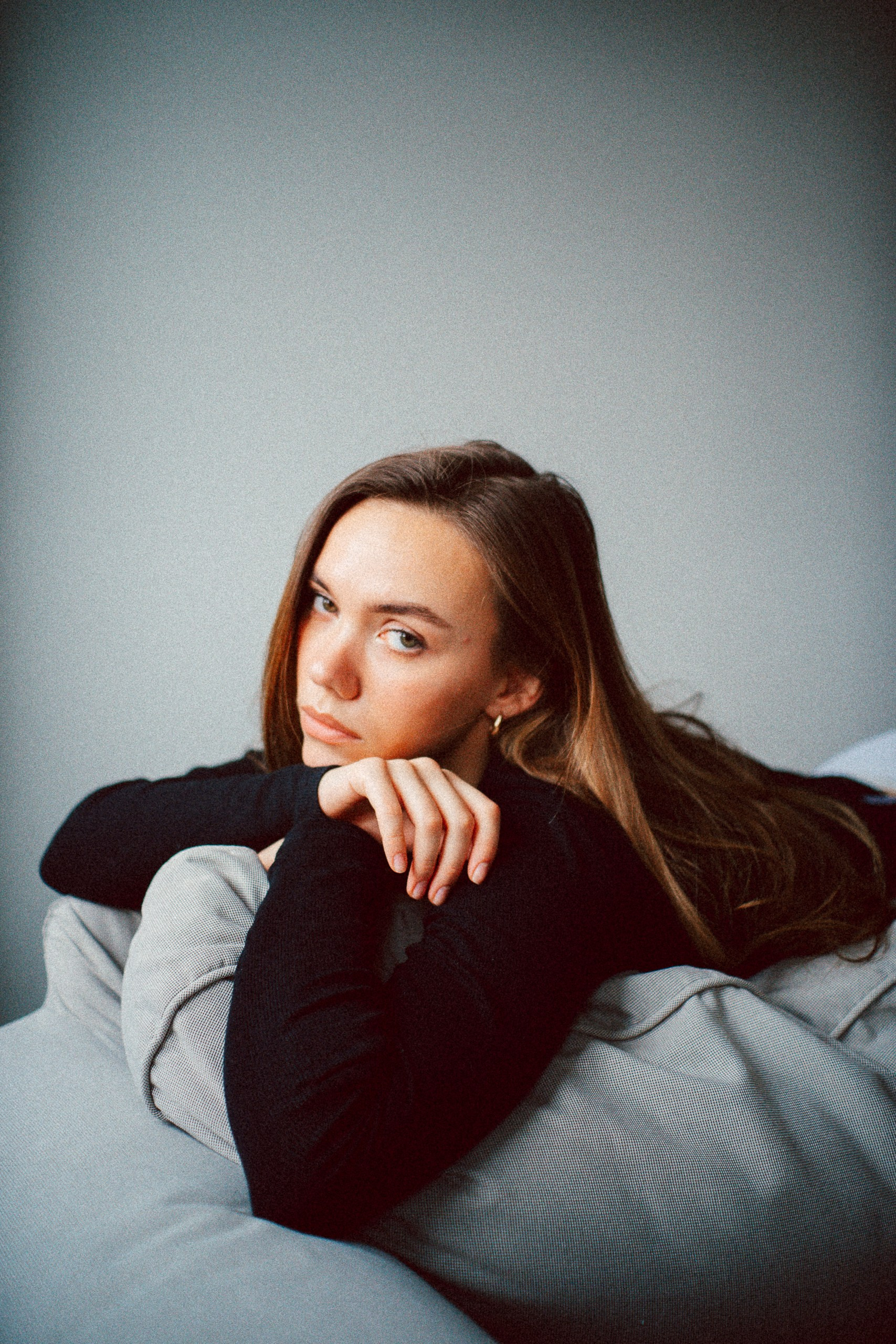
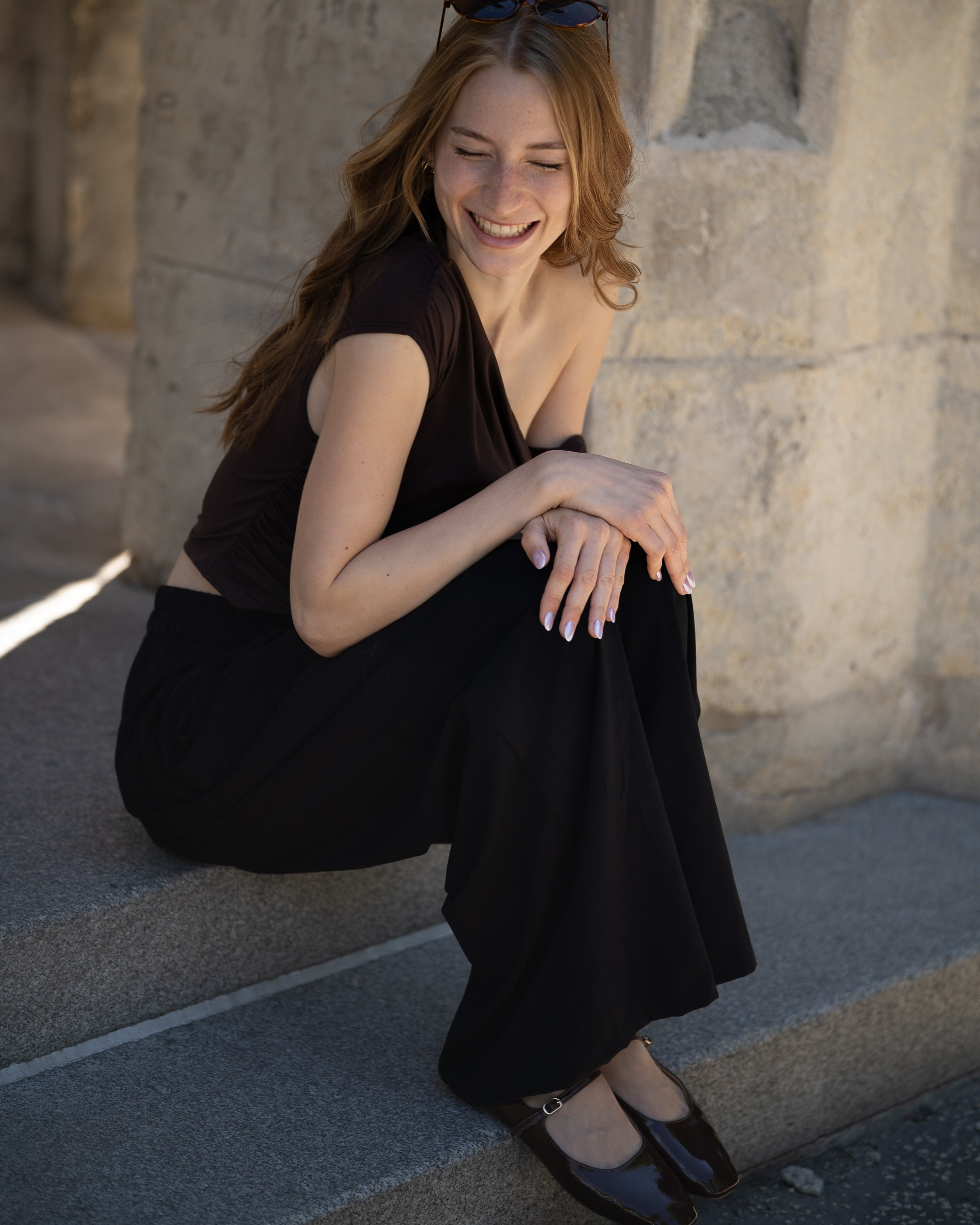
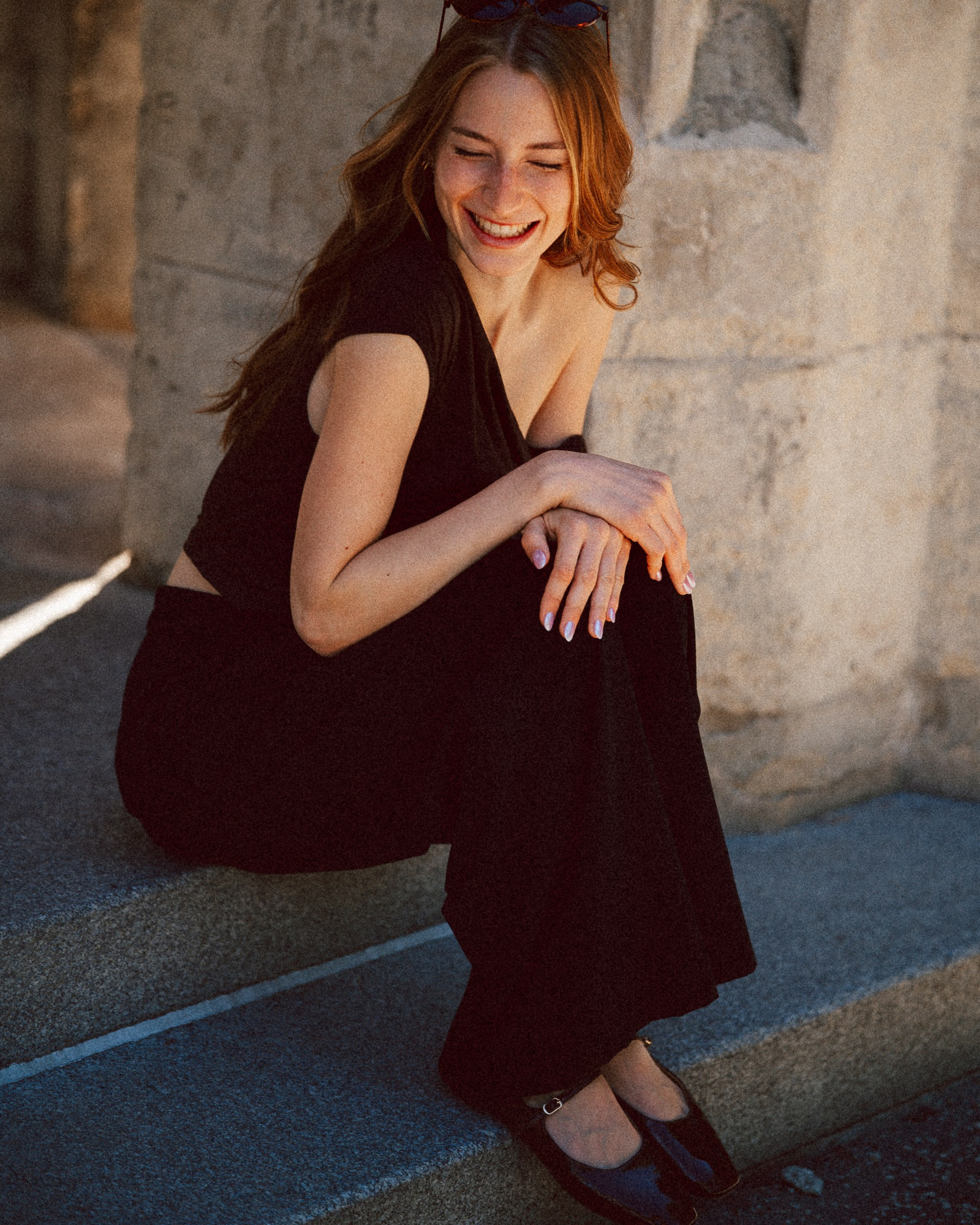
cold shadows
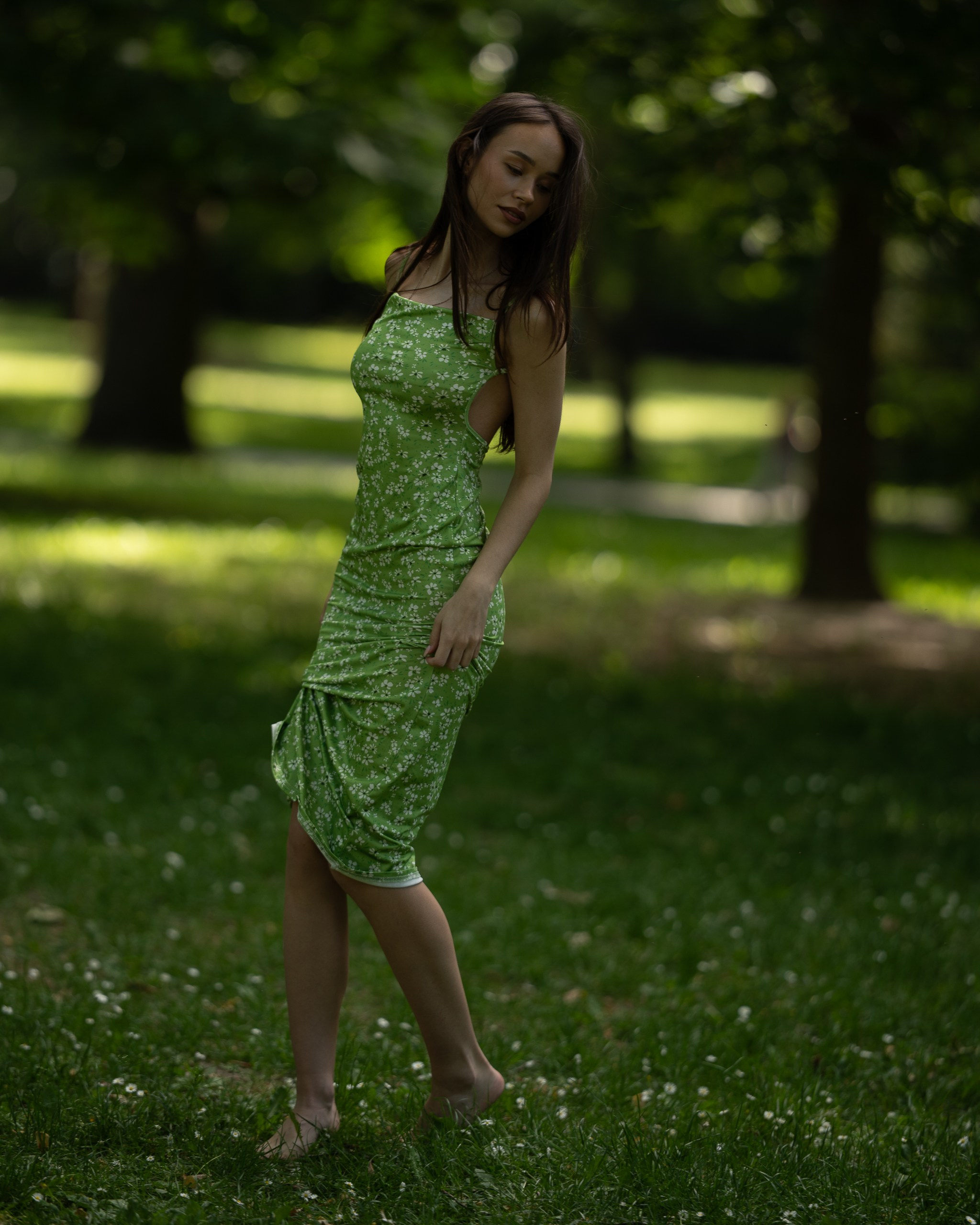
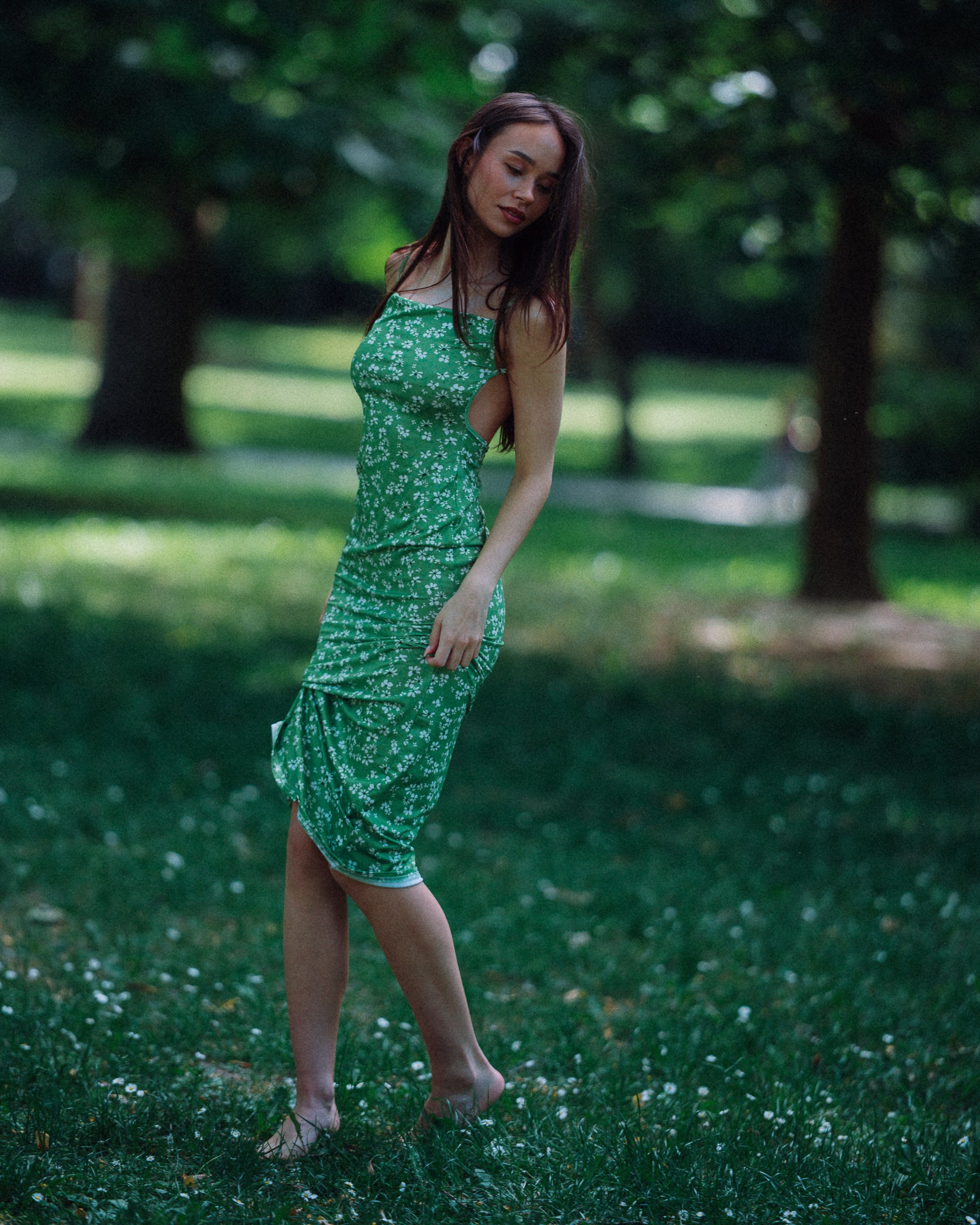
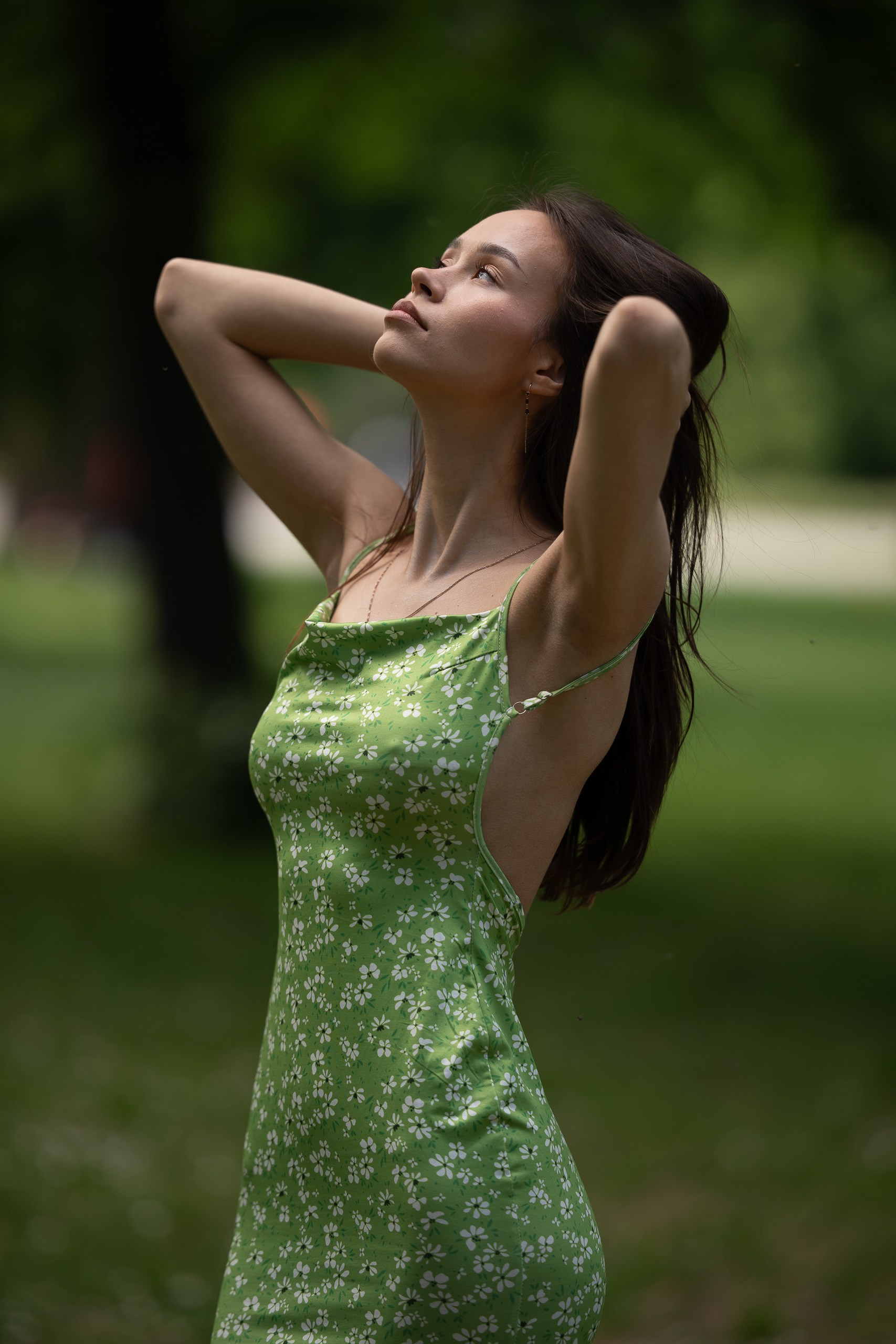
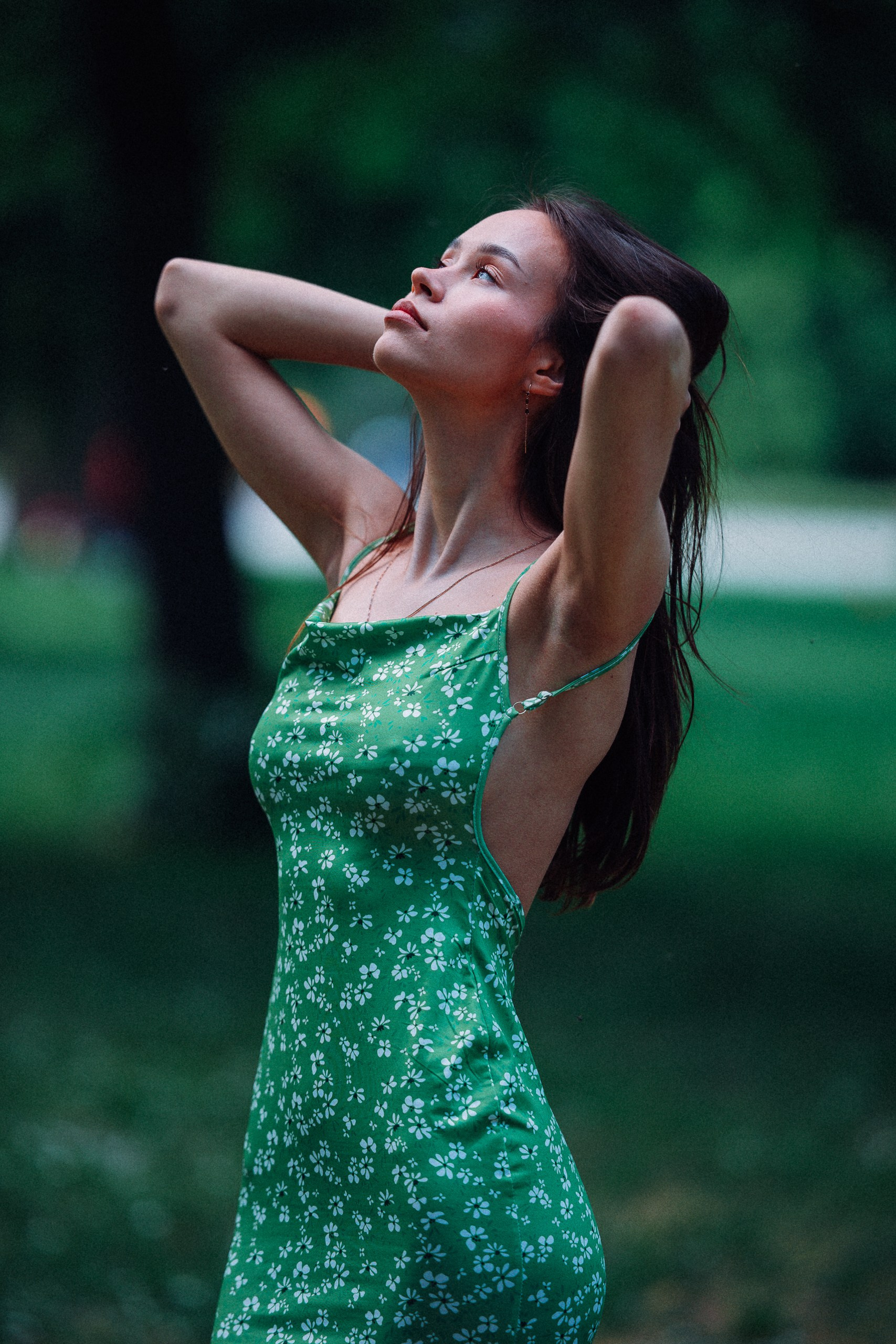
fuji vol.2
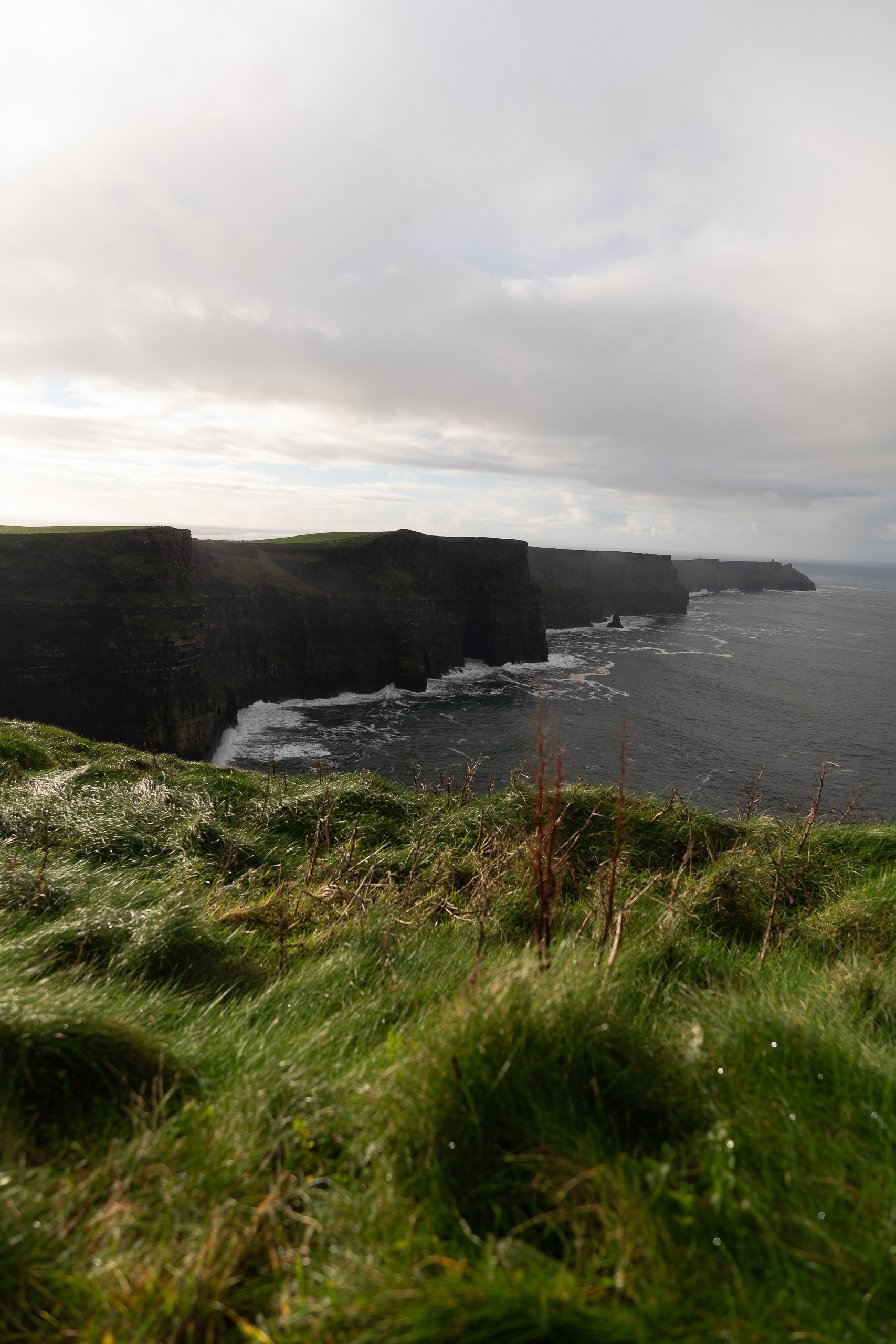
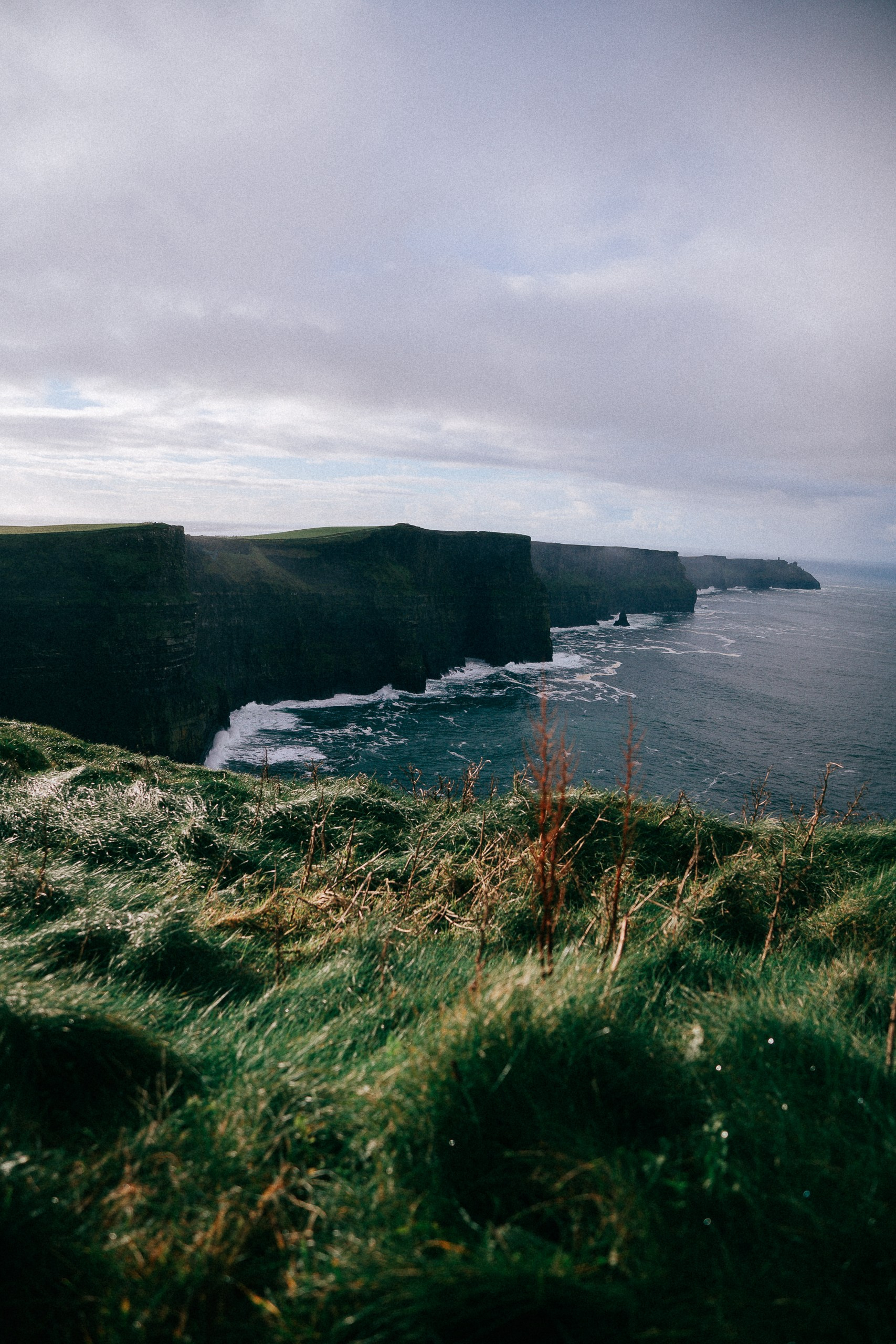
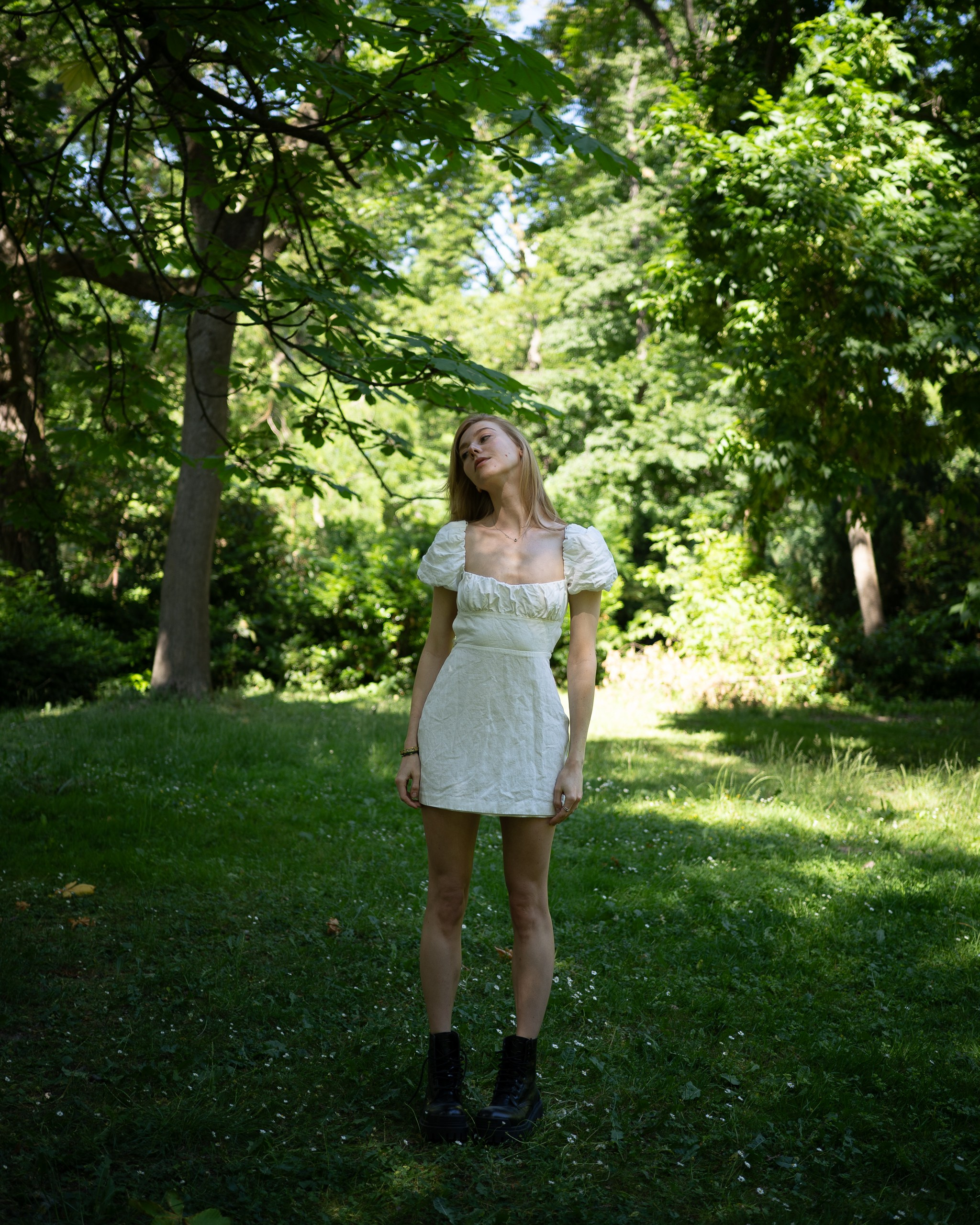
Kodak 400 (cloudy studio)
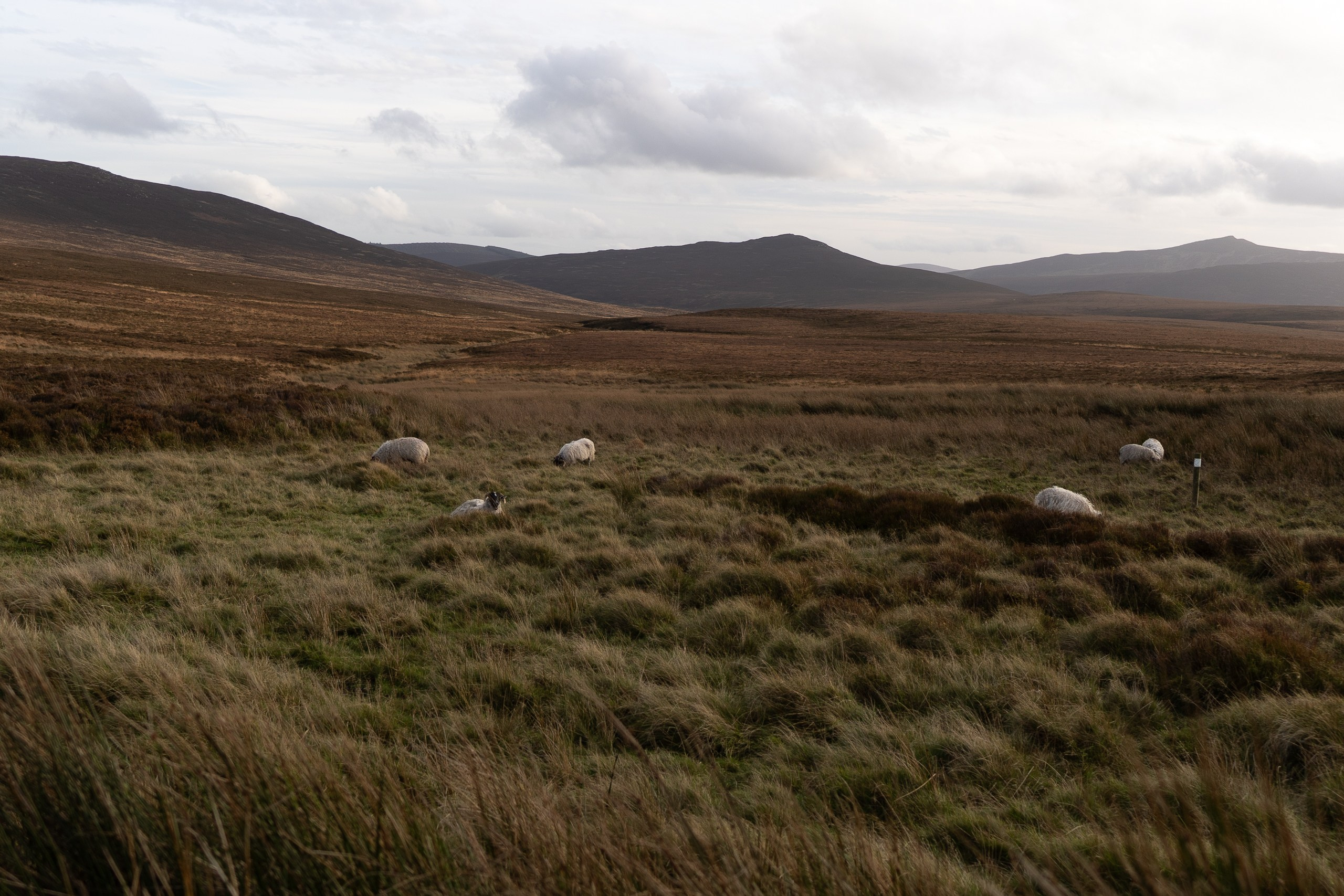
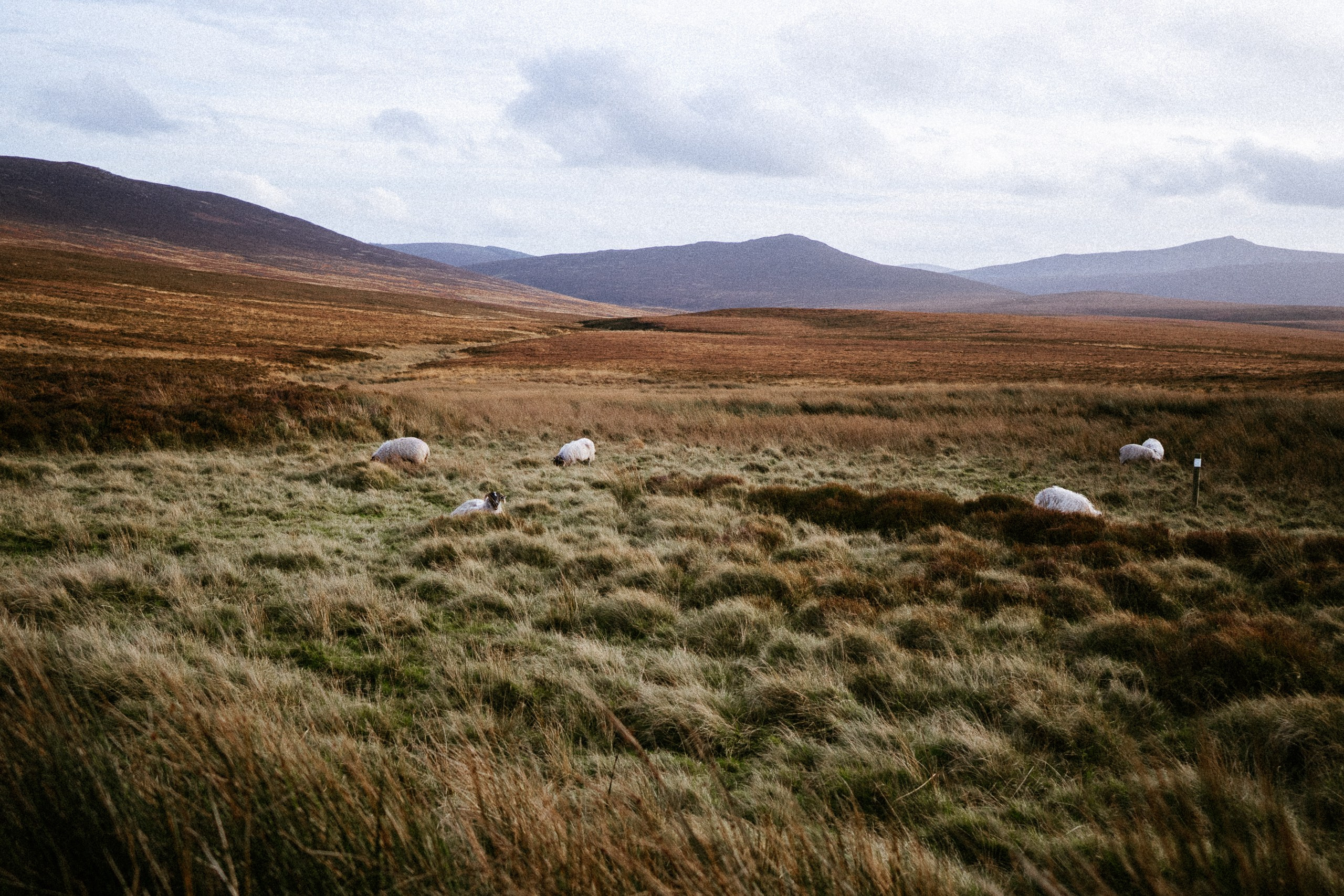
sunny green
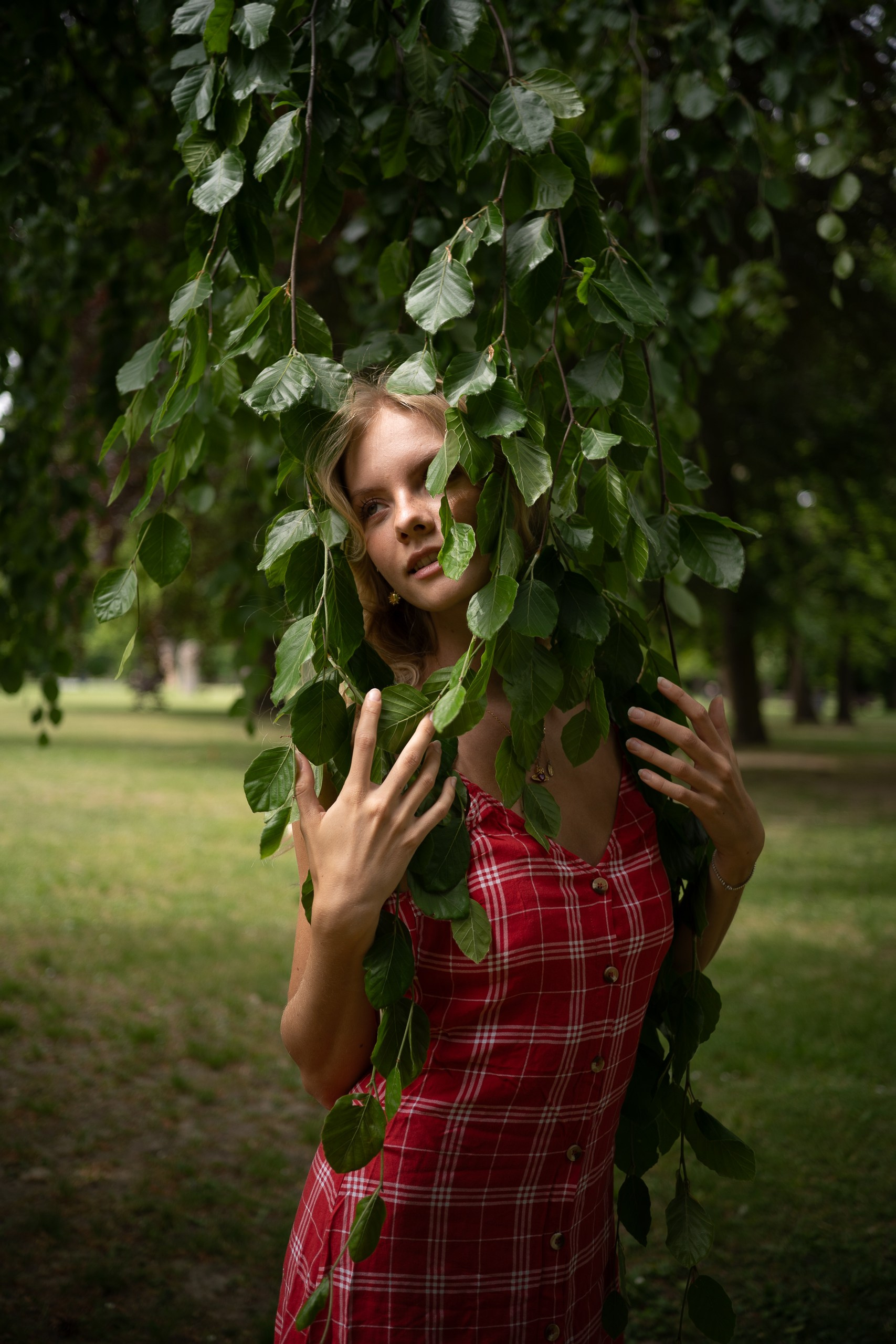
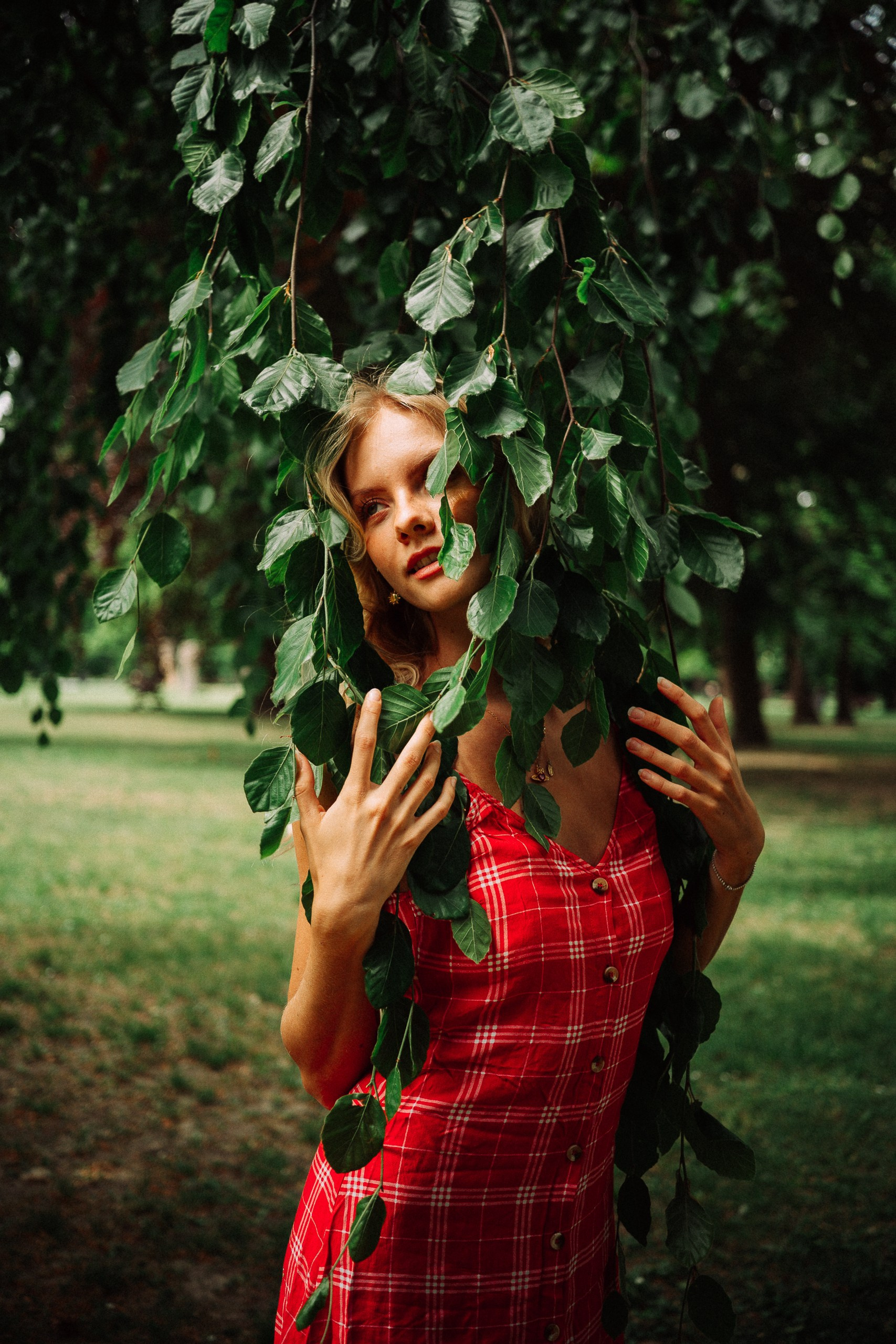
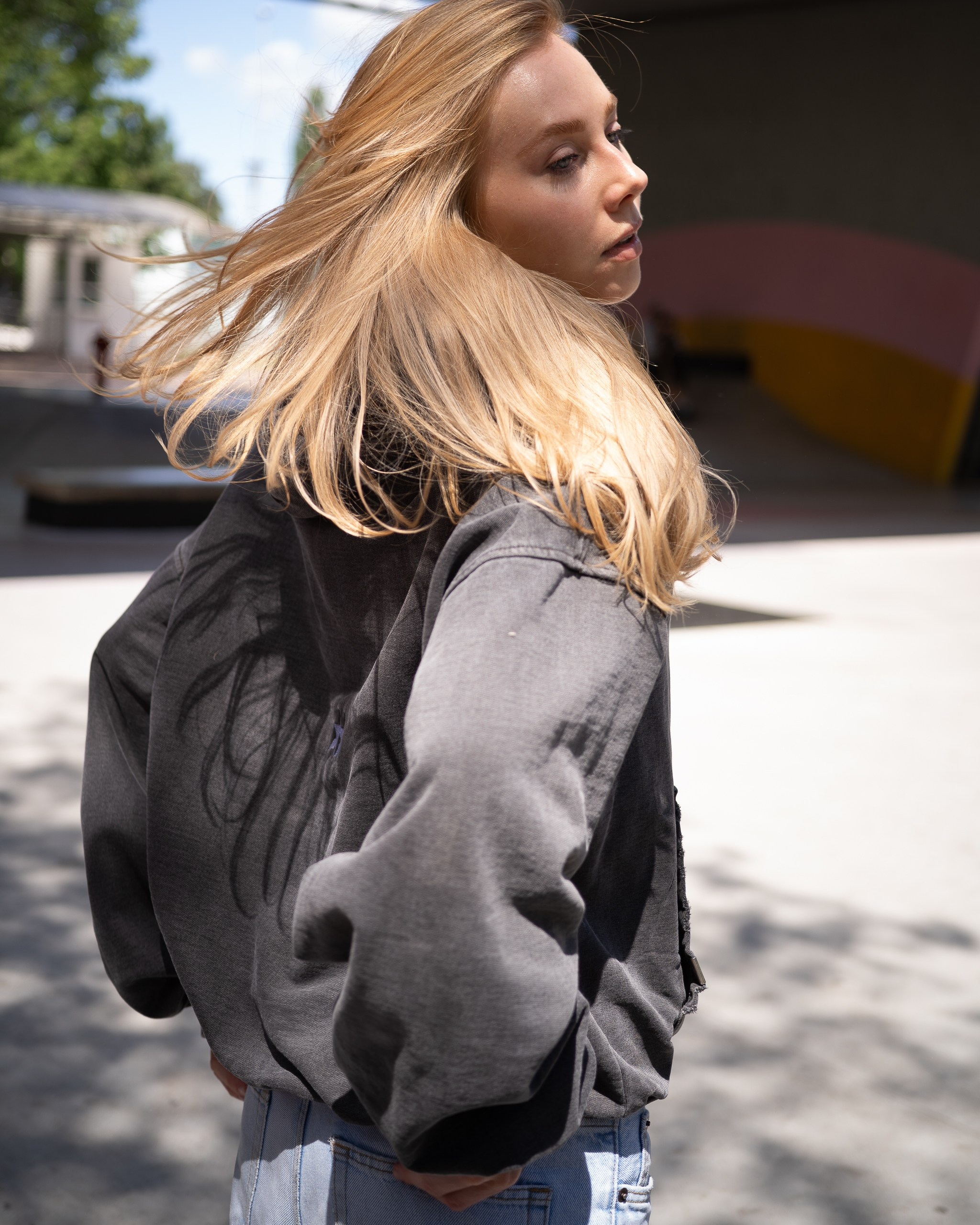
F.A.Q.
Answers to your questions.
How to install presets?
1. Download and unzip the preset archive.
2. In Lightroom, go to the “Develop” tab, and in the “Presets” section, click the plus sign. Select “Import” and choose the saved preset files.
3. Done! Enjoy and create more beautiful shots!
How to customize presets to your liking?
You can adjust the settings to better suit your shot by changing the “Temperature” and “Tint,” and working with the exposure in the “Basic” section.